
PrestaShop emergency fix: store not taking orders? We repair it.
500 error, a payment module that no longer creates orders, an admin panel locked after an update. A PrestaShop developer finds the cause and fixes it. You pay once your store is back.
- PrestaShop 1.6, 1.7, 8 and later
- Diagnosis and price before any work
- Backup before every fix
- 00:00Incident detectedPayments received, orders missing
- 00:07DiagnosisBank callback rejected by the module
- 00:24FixValidation URL and module repaired
- 00:41OnlineOrders created, emails sent
- Pay once it is fixedafter a live demo of the fix
- Response 7 days a weekweekends included
- A real developerdirectly, no call centre
- 20+ yearsmaintaining platforms
In short
Blue Digital repairs PrestaShop stores that are down, 7 days a week: 500 errors, broken modules, conflicting overrides, orders paid but never recorded, failed upgrades, unreachable admin panel. A PrestaShop developer diagnoses the cause, quotes the price before touching anything, and fixes it. You pay once the store is back online, after a live demo.
Customers are paying, but the orders never arrive.
The bank takes the money, the customer gets no confirmation, and your admin panel shows nothing. Or worse: every visitor from your ads lands on an error page. Modules have piled up for years and nobody remembers who changed what. You need a developer who knows PrestaShop's overrides, hooks and Smarty cache.

Do you recognise one of these symptoms?
These are the PrestaShop failures we fix most often. Each has an identifiable cause, so each has a fix.
My site has this problem500500 error or an 'An error occurred' page
In production, PrestaShop hides the real error. Debug mode reveals the module, override or class at fault.
orderPayment accepted, order never created
The bank's callback to the store fails: validation URL, certificate, outdated payment module. The customer is charged, you see nothing.
overrideCrash after installing a module
Two modules override the same class in the override folder. The last one installed breaks the first, often on the cart or checkout.
smartyBlank page or broken layout
Corrupted Smarty cache, an edited theme file, lost write permissions on var/cache. The storefront stays empty or unstyled.
upgradePrestaShop upgrade interrupted
The upgrade module stops halfway and the database is half migrated. We return to a stable state, then resume the upgrade properly.
adminAdmin panel unreachable
Invalid token loops, a login page that keeps reloading, a 403 error on the admin folder. The store runs, but you can't manage it.
Every hour of downtime has a price.
A PrestaShop site that is down sells nothing, but your ad spend, salaries and supplier commitments keep running. Do the maths.
Indicative estimate: online revenue spread over trading hours, not counting customers lost for good or the impact on search rankings.
From error page to confirmed order.
Drag the slider: this is what you see before we step in, and what you check before you pay.
PrestaShop, and everything around it
A PrestaShop outage often involves the server, the MySQL database, a payment module or the ERP sync. We handle the whole chain.
- This pagePrestaShop
- PHP
- MySQL
- Linux
- Apache
- Nginx
- Cloudflare
- Odoo
- WordPress
- Git
A typical fix, hour by hour
How a common PrestaShop outage is handled. Timings vary with the issue, the order never does: diagnosis and price come before any work.

- 1
11:20 am · You call
You get in touch
By phone, WhatsApp or the form. Tell us when the orders stopped. A PrestaShop developer answers.
- 2
11:50 am · Diagnosis
Cause found, price given
Debug mode on a copy, log review, check of modules and overrides. You know the cause and the price before any work.
- 3
12:25 pm · Fix
Fix once you approve
Full backup, fix of the module or override, caches cleared, scheduled tasks checked.
- 4
2:10 pm · Online
Live demo, then payment
A test order with a real payment, a confirmation email, the order visible in the admin panel. You pay for the fix at that point.
What every fix includes
- Debug-mode diagnosis: PHP, PrestaShop and server logs
- Backup of files and database before any change
- Fix of the module or override at fault
- End-to-end test order, payment and emails included
- Live demo of the result before any payment
- Written report: cause, fix, modules at risk
How you pay
- Beforethe diagnosis and the price, given before any work starts. You approve, or not.
- Afterpayment: once your site is back online and you have seen it working.
Quoted after diagnosisPrice given after diagnosis, before any work starts.
Request a fixWhy PrestaShop merchants call us
| Criterion | Blue Digital | Freelancer found in a hurry | General agency |
|---|---|---|---|
| Who answers | A PrestaShop developer, directly | Voicemail, uncertain callback | A project manager, then a ticket |
| Existing modules and overrides | Read and fixed, no blanket reinstall | Often uninstalled wholesale | A redesign proposed |
| Payment | After the fix and a live demo | Often 100% upfront | Purchase order and admin delays |
| Backup before work | Always | Not always | Depends on the contract |
| Price | Given after diagnosis, before any work | Rarely fixed upfront | Quote after several exchanges |
Stores and platforms that keep running
A few of the sites built and maintained by the Blue Digital team.
- www.miele.co.ma

Miele MarocMagento store, premium home appliancesVisit the site - www.deportivo.ma
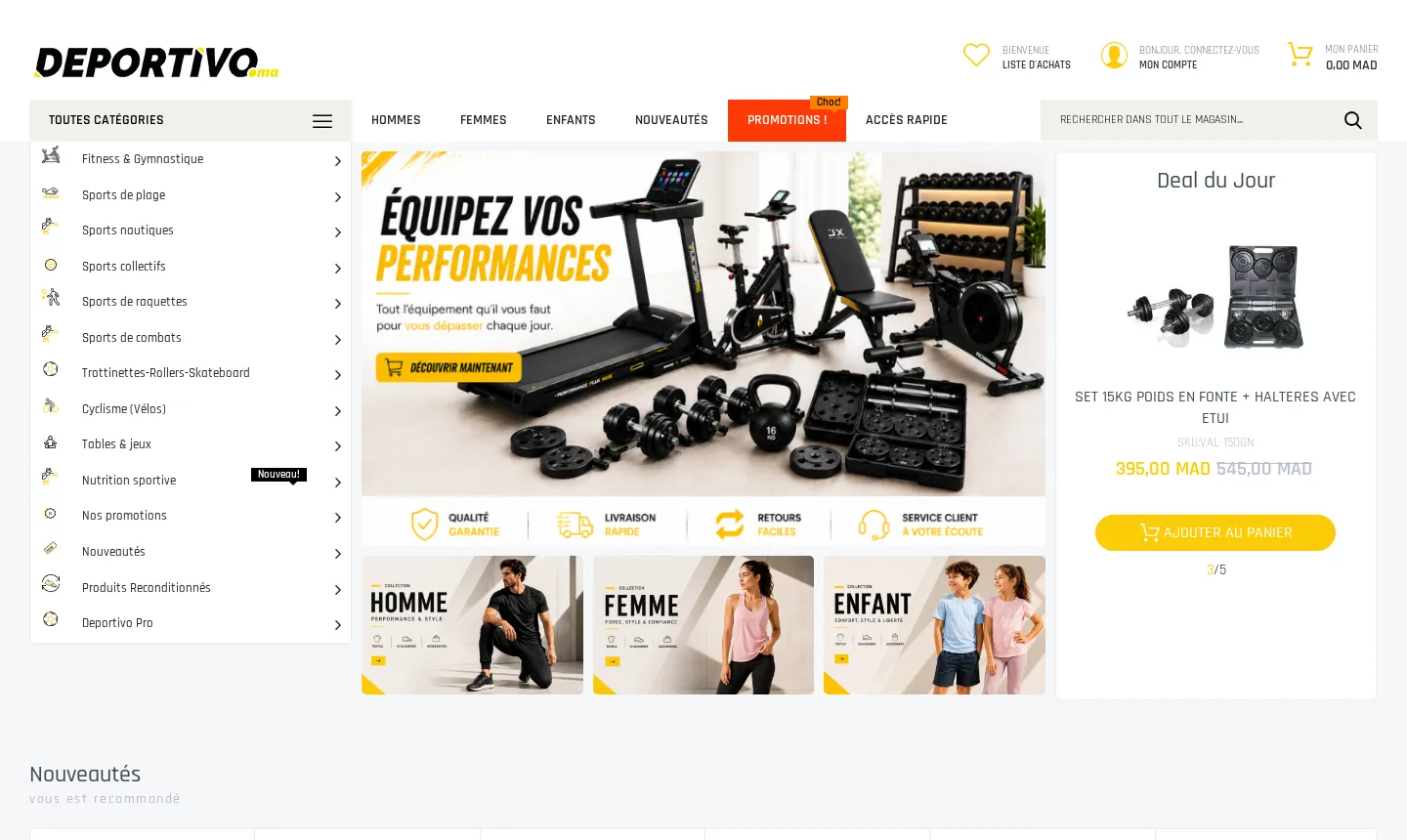
DeportivoMulti-brand Magento sports storeVisit the site - www.youpi.co.ma

YoupiMagento toy and games storeVisit the site - www.yves-rocher.ma

Yves Rocher MarocMagento store, cosmeticsVisit the site - hoojan.com
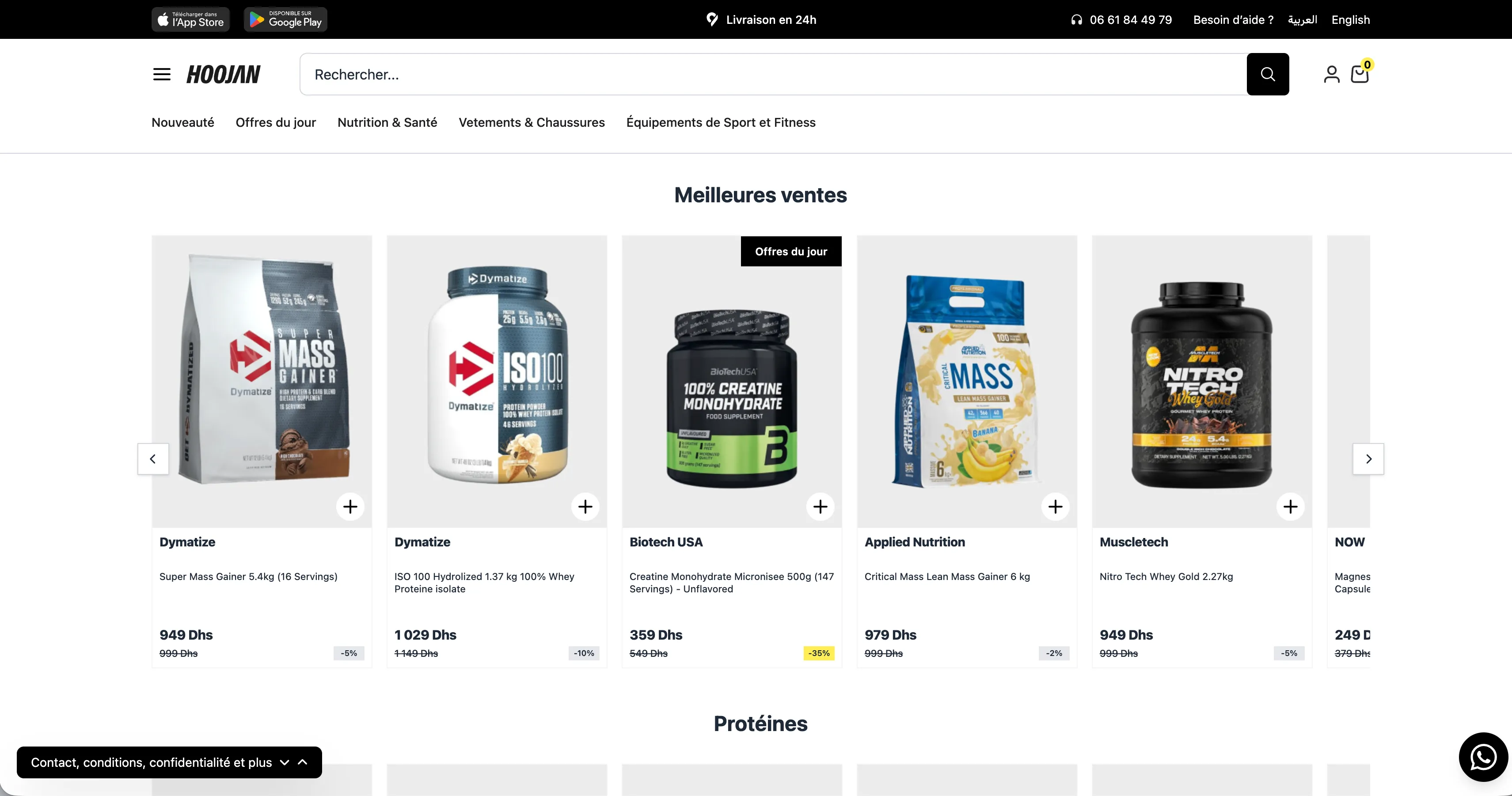
HoojanSports nutrition and fitness equipment storeVisit the site
Brands that trusted us with their platforms
Also Banque Populaire, BMCE Bank, Wafasalaf, Damane Cash, Total, Yves Rocher…















Frequently asked questions
Question not listed? Ask it directly: a developer answers, not a call centre.
Do you work on PrestaShop stores at weekends?
Yes. We respond 7 days a week, weekends included. A store that stops creating orders on a Friday evening can't wait until Monday.
Which PrestaShop versions do you work on?
PrestaShop 1.6, 1.7, 8 and later versions. On 1.6 we will fix the outage, but we point out the risks of running an old version with modules that no longer get updates.
Customers paid but no order was created. What should we do?
Don't retry the payments. List the affected transactions from your bank or payment provider dashboard. We fix the module callback, then help you recreate the missing orders cleanly.
How long does it take to get the store back?
A 500 error, a conflicting override or a stuck payment module is usually fixed the same day once we have access. An interrupted upgrade can take longer: we give you the timeline after the diagnosis.
What access do you need?
SFTP or SSH access, database access (phpMyAdmin is enough) and a PrestaShop admin account. If you no longer have them, we help you recover them from your host.
How does payment work?
The price is given after the diagnosis, before any work. You pay once the store is back online and you have watched a test order go through end to end.
Our modules come from PrestaShop Addons or were custom-built. Is that a problem?
No. We work on marketplace modules and bespoke code alike. If a module has been abandoned by its vendor, we offer to fix it or replace it.
How do we avoid the next outage?
The report lists the modules at risk and the fragile overrides. We can then maintain the store every month: updates tested on a copy, order monitoring, verified backups.
Tell us what is blocking your store. We'll take over.
A developer reads your request and calls you back. Response 7 days a week, weekends included.
- You pay once your site is back online and you have seen it working.
- Diagnosis and price given before any work starts.
- A direct technical contact, not a call centre.