
Carrier and stock sync
Shipments created automatically with your carrier, labels and tracking numbers pulled back, delivery status updated in Odoo with no re-keying.
A step your team still does in Excel, a missing connector, an invoice someone fixes by hand every time. An Odoo developer writes the module you are missing, at a fixed price. You see it working before you pay the balance.
installOK
tests passed24 / 24
In short
Blue Digital builds custom Odoo modules for Odoo Community and Enterprise: connectors to carriers and online stores, approval workflows, tailored invoices and reports, customer or supplier portals. Each module is quoted at a fixed price after a short specification, built in Python and OWL with tests, then demonstrated on your data before the balance is paid. You own the code.
Standard Odoo covers a lot, but not the exact way you work. So your team fills the gaps: Excel exports, re-keying, tracking numbers pasted by hand, approvals by email. Every workaround is a chance for an error. A well-written module removes the workaround and lets Odoo do the work.

A few common requests. Yours is different? That is usually the case: describe it and we will tell you whether it can be done, and how.
Shipments created automatically with your carrier, labels and tracking numbers pulled back, delivery status updated in Odoo with no re-keying.
Orders, customers, products, prices and stock kept in sync between Odoo and Magento, PrestaShop or WooCommerce, with an error log your team can actually read.
Milestone billing, recharged costs, down payments, several deliveries grouped on one invoice, invoice layouts tailored to each customer.
Company and customer identifiers (ICE, IF, RC) on your documents, exports in the format your accountant asks for, local reports defined together with your accounting team.
Purchase orders, expenses, discounts or quotes above a threshold sent for approval, with approval levels, notifications and a full history.
A space in the Odoo portal where customers track their orders and download documents, or where suppliers confirm their lead times.
Import wizards for your recurring files (supplier price lists, catalogues, statements), with checks and a report of rejected lines.
Indicators specific to your business calculated inside Odoo: margin per project, delays per supplier, stock turnover per warehouse.
An Odoo module rarely lives alone: it exchanges data with an online store, a carrier, an Excel file or a server. We handle every link in the chain.
A fixed-price project with no surprises: you know what will be delivered and what it costs before development starts.
A conversation with an Odoo developer, not a salesperson. Together we write a page or two: what the module does, for whom, with which data.
A fixed price and a timeline, set out in the quote according to the size of the module. A 10 to 15% deposit starts development.
On a copy of your database, never directly in production. We show you progress and ask questions as we go.
The module runs in front of you, on your test data. You check every point of the specification, or we fix it.
Installation in production, checks with your team, handover of the code and documentation. The balance is paid at that point.
How you pay
Quoted after diagnosisPrice given after diagnosis, before any work starts.
Request a fix| Criterion | Blue Digital | Odoo Apps Store module | Freelancer paid by the hour |
|---|---|---|---|
| Fits your processes | Written from your specification | You adapt your processes to the module | Yes, if the scope is well defined |
| Price | Fixed price agreed before work starts | Low price, but adjustments cost extra | Bill depends on time spent |
| Payment | 10 to 15% deposit, balance after a live demo | Paid before you can really try it | Often upfront or weekly |
| Source code | Handed over and documented, you own it | Vendor licence | Not always handed over cleanly |
| Odoo upgrades | Module migration quoted in advance | Up to the vendor | Up to their availability |
A few of the sites built and maintained by the Blue Digital team.
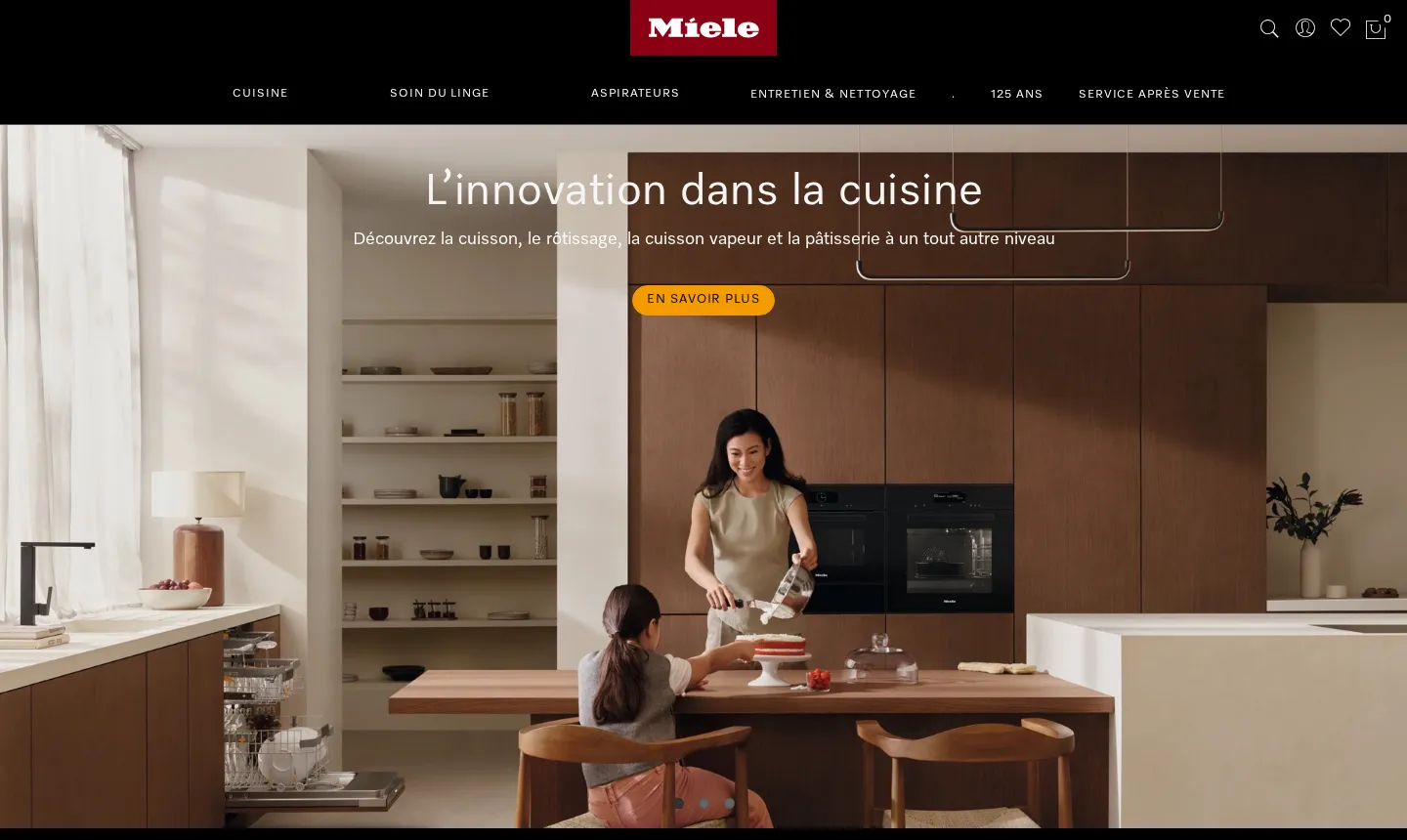
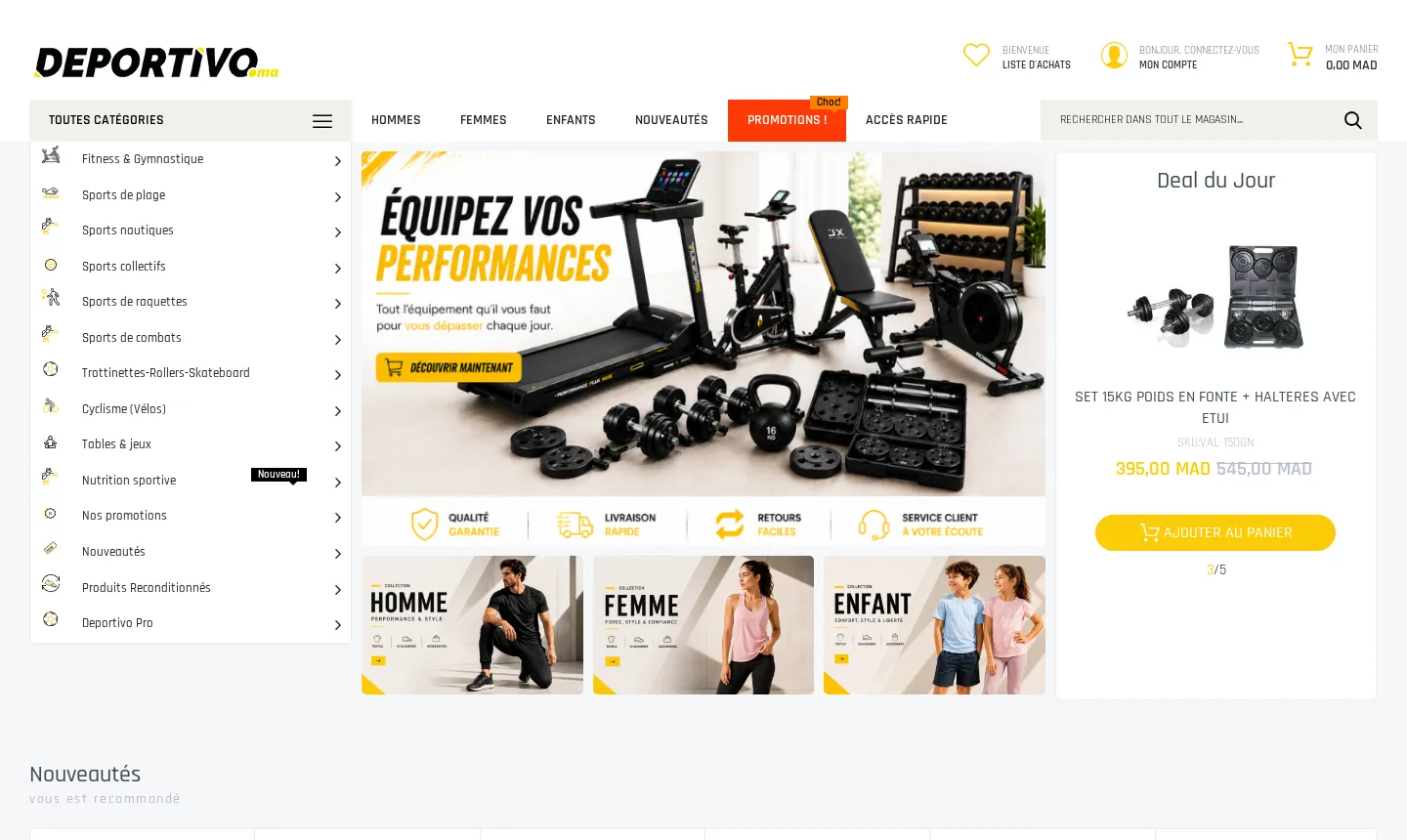
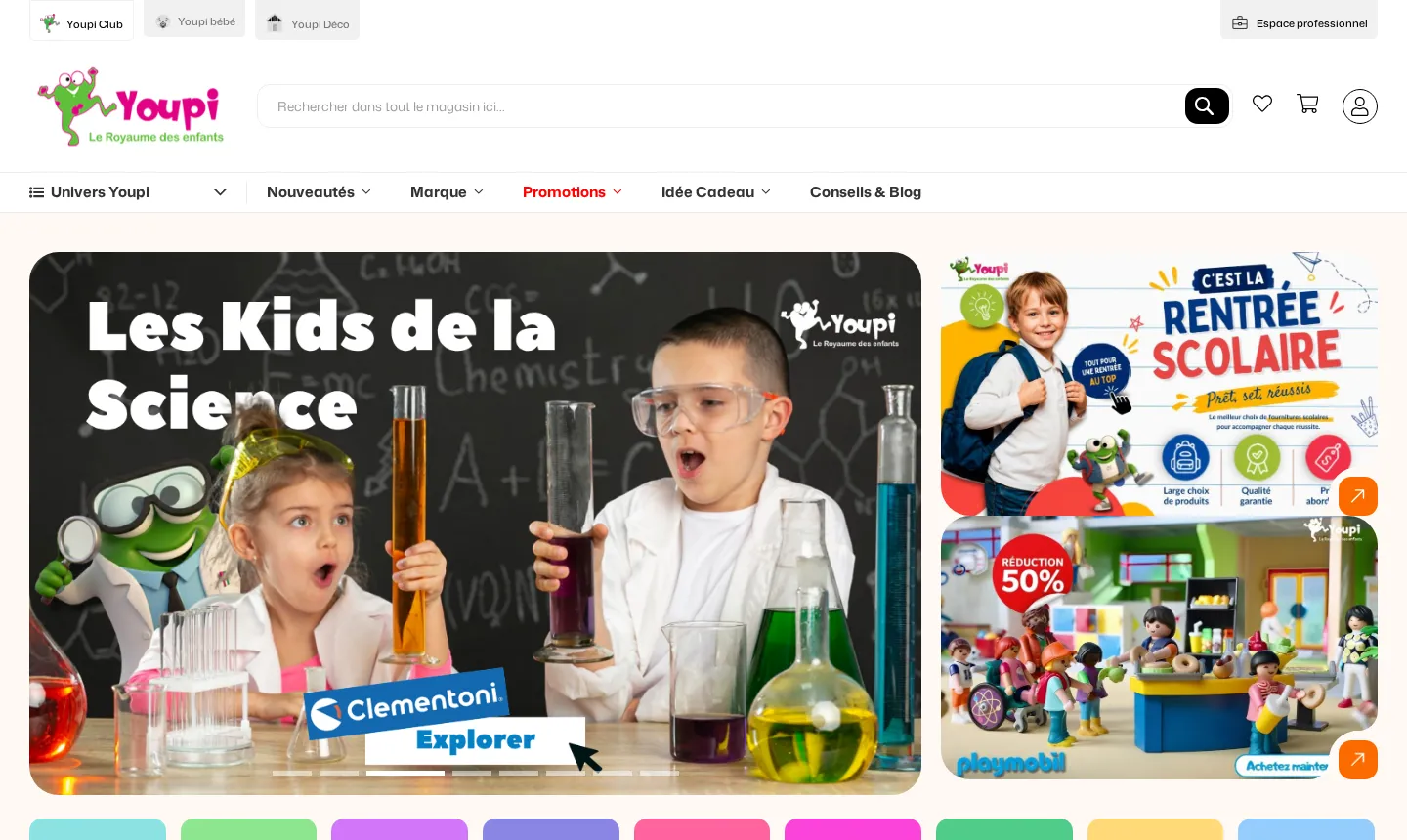
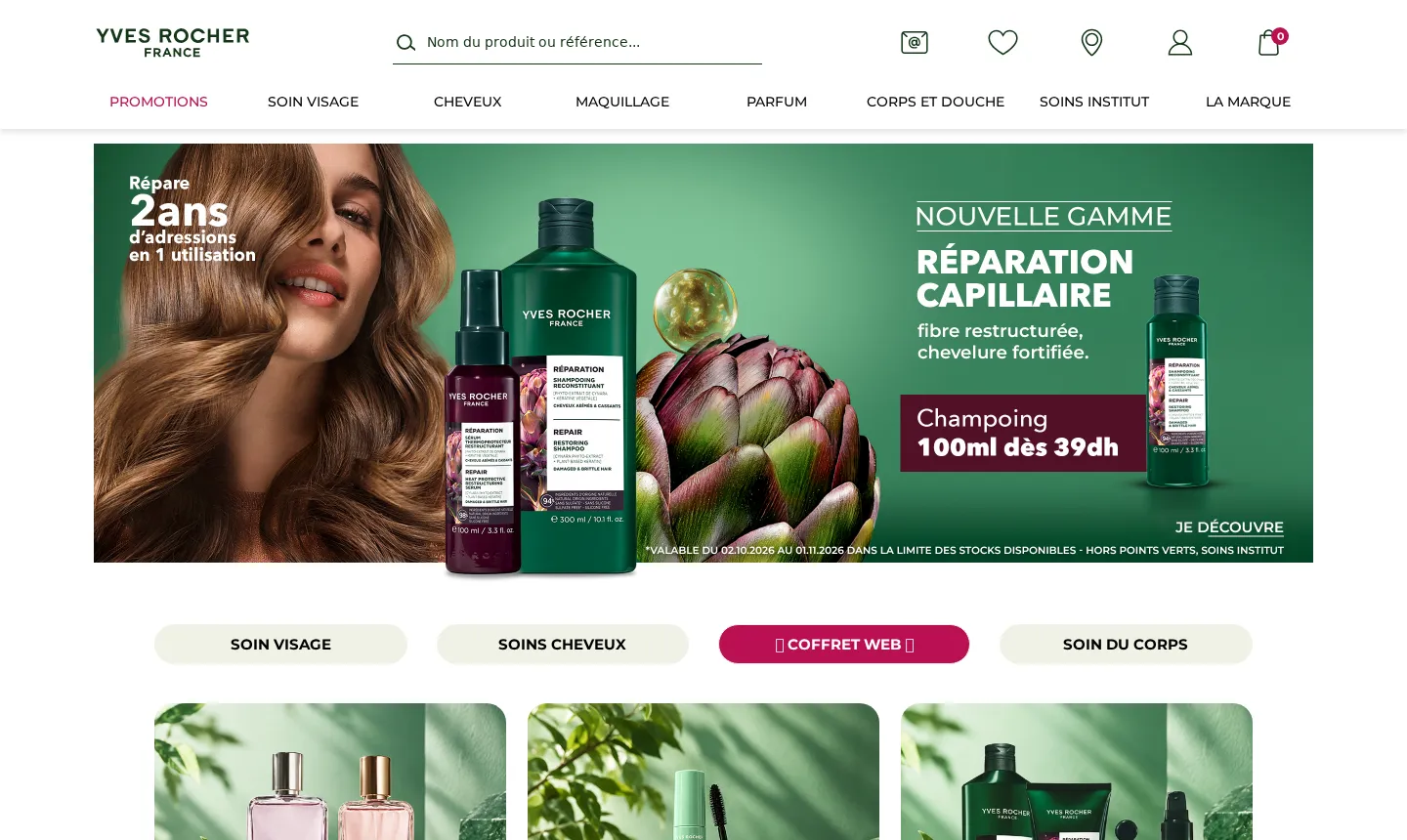
Also Banque Populaire, BMCE Bank, Wafasalaf, Damane Cash, Total, Yves Rocher…















Odoo is designed to be extended. Every app (sales, purchasing, inventory, accounting) can take new fields, new rules and new screens without touching the original code. That is what makes a custom module worthwhile: we add exactly what is missing, and the rest of Odoo keeps working as before.
The sign that you need a module is nearly always the same: a repetitive task your team does outside Odoo. An Excel export every Monday, copy and paste between the store and the ERP, an approval that goes through WhatsApp. These workarounds eat time and produce errors that only surface at month end.
You don’t need a full specification. Just tell us your Odoo version (Community, Enterprise or Odoo.sh), the apps you use and what you want the module to do, in your own words. A screenshot or the Excel file your team uses today is often worth more than a long description.
We come back with specific questions, then a fixed-price quote. If your need can be met by configuring standard Odoo or by an existing module, we will tell you: sometimes the best module is the one you don’t need to write.
Question not listed? Ask it directly: a developer answers, not a call centre.
It depends on the scope: the number of screens, business rules and tools to connect. The price is fixed in the quote, after the specification, and does not change unless the scope does.
It depends on the module. The timeline is set out in the quote, with the date of the live demo. A small addition is quick; a connector between several systems takes longer.
A 10 to 15% deposit when we start, then the balance after the live demo, once the module is approved and installed in production. You don't pay the bulk of it before seeing the result.
Yes, all three. At the start we check which apps you use and on which version, so the module builds on what you already have.
We inherit from the standard code without modifying it, which makes migrations easier. Each new major version means the module needs adapting: we quote that migration in advance, at a fixed price.
Access to a copy of your database, or to a test environment on Odoo.sh or your own server. We never develop directly in production.
Yes. We read the existing code, even undocumented, and tell you in writing what can be kept, fixed or rewritten, before quoting.
You do. The source code is handed over on delivery with its documentation. You can develop it further with us or with another provider.
A developer reads your request and calls you back within 2 business hours.
Cookies
We use Google Ads cookies to measure which ads bring requests. Nothing is set unless you agree. Privacy policy