
Emails going to spam? We fix SPF, DKIM, DMARC and your SSL certificate.
Your quotes land in junk folders, customers never get their order confirmations, or the browser warns that your site is not secure. We find what is blocking, fix the configuration and check the results with you. You pay once you have seen it working.
- Google Workspace, Microsoft 365, host mailboxes
- SPF, DKIM, DMARC, blacklists, SSL
- Test sends checked with you
- 00:00Incident detectedQuotes in spam, certificate expired
- 00:07DiagnosisDuplicate SPF, DKIM missing
- 00:24FixDNS corrected, certificate renewed
- 00:41OnlineAuthenticated sending, padlock back
- Pay once it is fixedafter a live demo of the fix
- Response 7 days a weekweekends included
- A real developerdirectly, no call centre
- 20+ yearsmaintaining platforms
In short
Blue Digital fixes emails going to spam and expired SSL certificates, 7 days a week: missing or wrong SPF, DKIM and DMARC records, domains or IP addresses on blacklists, website emails sent without authentication, HTTPS certificates expired or badly installed. Every fix is checked with test sends. You pay after a live demo.
You hit send, but nobody receives it.
Customers say the quote never arrived. Order confirmations go straight to junk. And since this morning the browser shows a red warning on your site. The problem isn't what your emails say, or your website: it's the configuration linking them to your domain.

Signs that your email or SSL setup is broken
Mail providers such as Gmail and Outlook check every sender's identity. When a setting is missing, your emails go to spam or get rejected outright. These are the most common causes.
My site has this problemSPFSPF record missing, duplicated or incomplete
Your domain doesn't list every server allowed to send on its behalf. A tool added later isn't in there.
DKIMUnsigned emails
Without a DKIM signature, nothing proves the message wasn't altered. Gmail and Outlook treat it with suspicion.
DMARCDMARC policy missing or too strict
Without DMARC, your domain can be spoofed. Set up badly, it gets your own legitimate emails rejected.
RBLDomain or IP address on a blacklist
A hacked account, a hijacked form or a neighbour on the same server sent spam. Your messages are blocked.
SMTPWebsite emails don't arrive or land in spam
Order confirmations, contact forms, password resets: sent by the server with no authentication.
SSLCertificate expired or badly installed
A 'not secure' warning, a certificate that doesn't cover www, broken auto-renewal, mixed content.
Your domain, email and website, set up together
Emails often go out from several places: your mailbox, your website, your ERP. We fix the DNS, the server and every application that sends in your name.
- Cloudflare
- Linux
- Nginx
- Apache
- PHP
- Docker
- WordPress
- WooCommerce
- PrestaShop
- Magento
- Odoo
A typical fix, hour by hour
How a typical fix runs. Timings depend on your mail provider and DNS access, the order never changes: diagnosis and price come before any change.

- 1
11:15 am · You get in touch
You report the problem
By phone, WhatsApp or the form. If you can, forward us an email that went to spam or bounced.
- 2
11:45 am · Diagnosis
Cause found, price given
We read the headers and check the DNS, blacklists and certificate. We explain what is blocking, what we will fix and the price.
- 3
12:30 pm · Fix
Fix once you approve
DNS records corrected, DKIM signing switched on, website sending authenticated, certificate renewed and installed.
- 4
2:00 pm · Checks
Live demo, then payment
Test sends to Gmail and Outlook, headers checked together, padlock showing on the site. You pay for the work at that point.
What every fix includes
- Analysis of headers from delivered and rejected emails
- SPF, DKIM and DMARC records corrected in your DNS
- Blacklist checks and removal requests where needed
- Website and ERP emails moved to authenticated sending
- SSL certificate renewed, installed and set to auto-renew
- Test sends to Gmail and Outlook, checked with you before payment
How you pay
- Beforethe diagnosis and the price, given before any work starts. You approve, or not.
- Afterpayment: once your site is back online and you have seen it working.
Quoted after diagnosisPrice given after diagnosis, before any work starts.
Request a fixWhy trust us with your email and SSL
| Criterion | Blue Digital | Freelancer found in a hurry | General agency |
|---|---|---|---|
| Diagnosis | Headers, DNS, blacklists, server | An SPF record copied from a forum | Referred back to your host |
| Senders covered | Mailbox, website, ERP, mailing tools | The mailbox only | Whatever the contract covers |
| Payment | After the fix and a live demo | Often 100% upfront | Purchase order and admin delays |
| Proof of results | Test sends and headers checked together | 'It should work now' | A closed ticket |
| SSL | Auto-renewal and monitoring | Renewed by hand, once | Depends on the contract |
Stores and platforms that keep running
A few of the sites built and maintained by the Blue Digital team.
- www.miele.co.ma

Miele MarocMagento store, premium home appliancesVisit the site - www.deportivo.ma

DeportivoMulti-brand Magento sports storeVisit the site - www.youpi.co.ma

YoupiMagento toy and games storeVisit the site - www.yves-rocher.ma
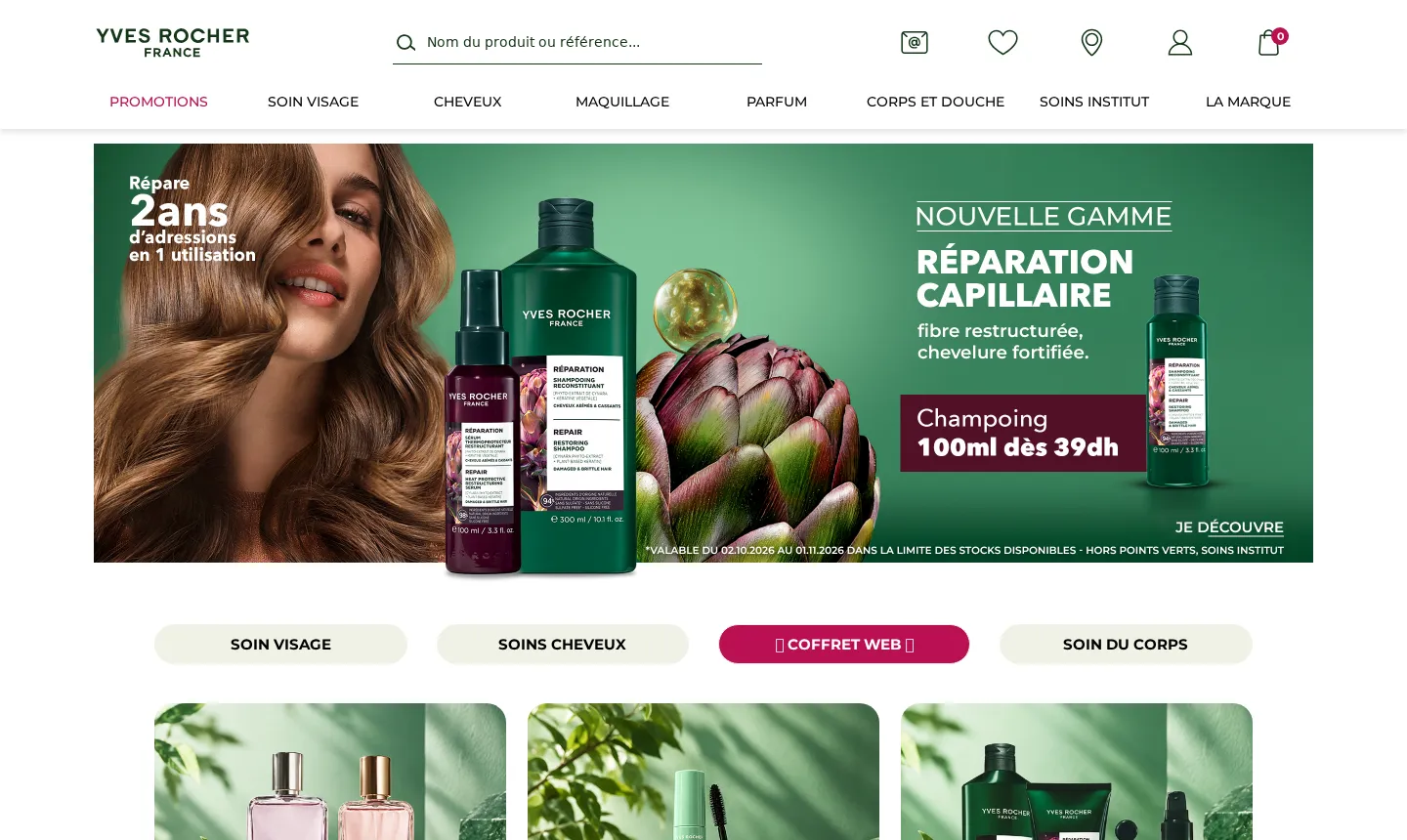
Yves Rocher MarocMagento store, cosmeticsVisit the site - hoojan.com
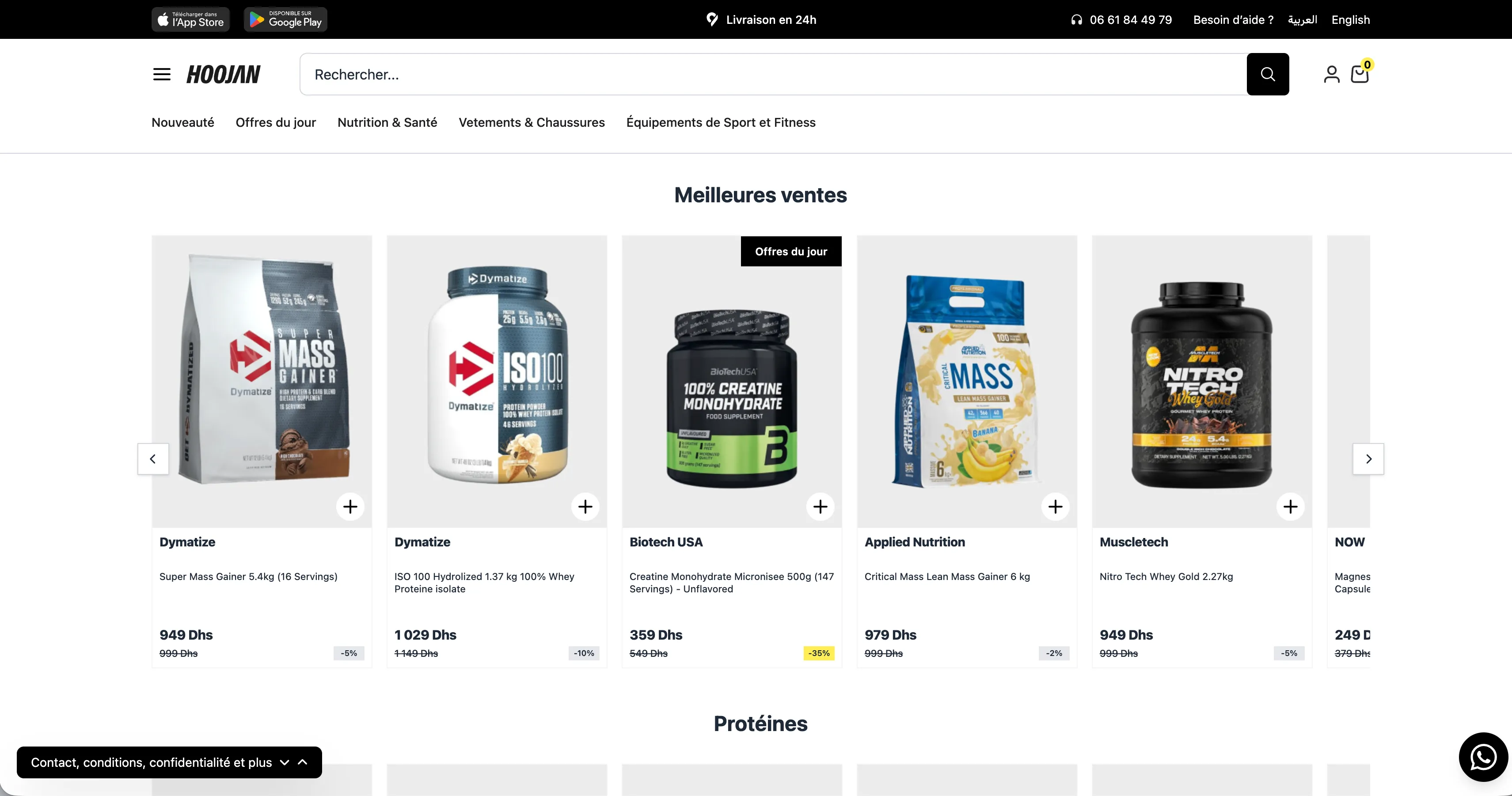
HoojanSports nutrition and fitness equipment storeVisit the site
Brands that trusted us with their platforms
Also Banque Populaire, BMCE Bank, Wafasalaf, Damane Cash, Total, Yves Rocher…















Frequently asked questions
Question not listed? Ask it directly: a developer answers, not a call centre.
Do you work at weekends?
Yes. We respond 7 days a week, weekends included. A certificate that expires on a Saturday shows the same warning to every visitor.
Why do my emails go to spam when I don't send marketing?
Because Gmail and Outlook don't just judge the content. They check that your domain authorises the sender (SPF), that the message is signed (DKIM) and that your domain publishes a policy (DMARC). If one is missing, even an ordinary quote can be filtered.
How long before things improve?
DNS and SSL fixes are usually done the same day once we have access, then picked up as DNS caches expire. Blacklist removal depends on whoever runs the list: we give you the timeline after the diagnosis.
Can you guarantee my emails will never go to spam again?
No, nobody can: every mail provider applies its own filters. We fix everything that depends on configuration and show you the test results. The rest also depends on your sending habits, which we explain.
What access do you need?
Access to your domain's DNS zone (registrar or Cloudflare), an admin account for your mail service and, for the website or SSL, access to the server or hosting control panel.
How does payment work?
The price is given after the diagnosis, before any change. You pay once the test sends check out and the certificate is in place.
Will my certificate expire again?
We set up automatic renewal and check that it works. We can also monitor expiry dates and deliverability as part of monthly maintenance.
Your emails should arrive. Let's talk.
A developer reads your request and calls you back. Response 7 days a week, weekends included.
- You pay once your site is back online and you have seen it working.
- Diagnosis and price given before any work starts.
- A direct technical contact, not a call centre.